Creating and managing a rebrand isn’t an easy process and one simple oversight can turn a simple design into a catastrophe. That’s what almost happened with me. But let’s go back to the beginning to figure out how we got here in the first place.
When I fist began freelancing, I’d been made redundant and needed to get a business website up and a brand together as quickly as possible, so whilst I was generally happy with my branding, I hadn’t poured the same time and energy into it that I would with a client.
I’d built the branding around the idea of paint strokes, hand drawn brush-lines and bold colours to show the human, creative approach to my work. I wanted it to be approachable to encourage clients of all budgets to be enticed to work with me. And for a while, it worked.
But over time, it was having the opposite effect. Generative AI decided to create posters for people with the exact same principles. Paintbrush strokes everywhere, harsh colour contrasts and even the font I used for my logo was annoyingly similar to the “ChatGPT special”. My branding suddenly stopped looking approachable – it looked cheap and lazy.
So, as a period of downtime hit, I decided to redesign my logo and rebrand everything I wanted to be from a professional standpoint. I still wanted to keep my initials as the logo, still wanted to show the creativity through the branding, but in a more sleek, clean-yet-stylised way.
How it started…
The original logo was this very simply combination of my initials in the two contrasting brand colours. Using “Good Brush” as the logo font set the tone for a lot of the sketch- and illustration-based imagery.
The two colours allowed it to be clearly separate and clear at almost any size and served its purpose well.
Now, of course, I wanted to step away from the Good Brush logo and create something cleaner, more stylised and neater, but still following the same theme. So instead of brush strokes, I’ve pivoted to marker strokes in the new design, and rather than simply using one of the many marker-style fonts out there, I decided to go more graphical with it.
The First Draft, and the PROBLEM
The first draft of this logo design was a solid enough representation of the concept.
The AF motif drawn in one marker colour, with the shared horizontal stroke on top in the contrast colour.
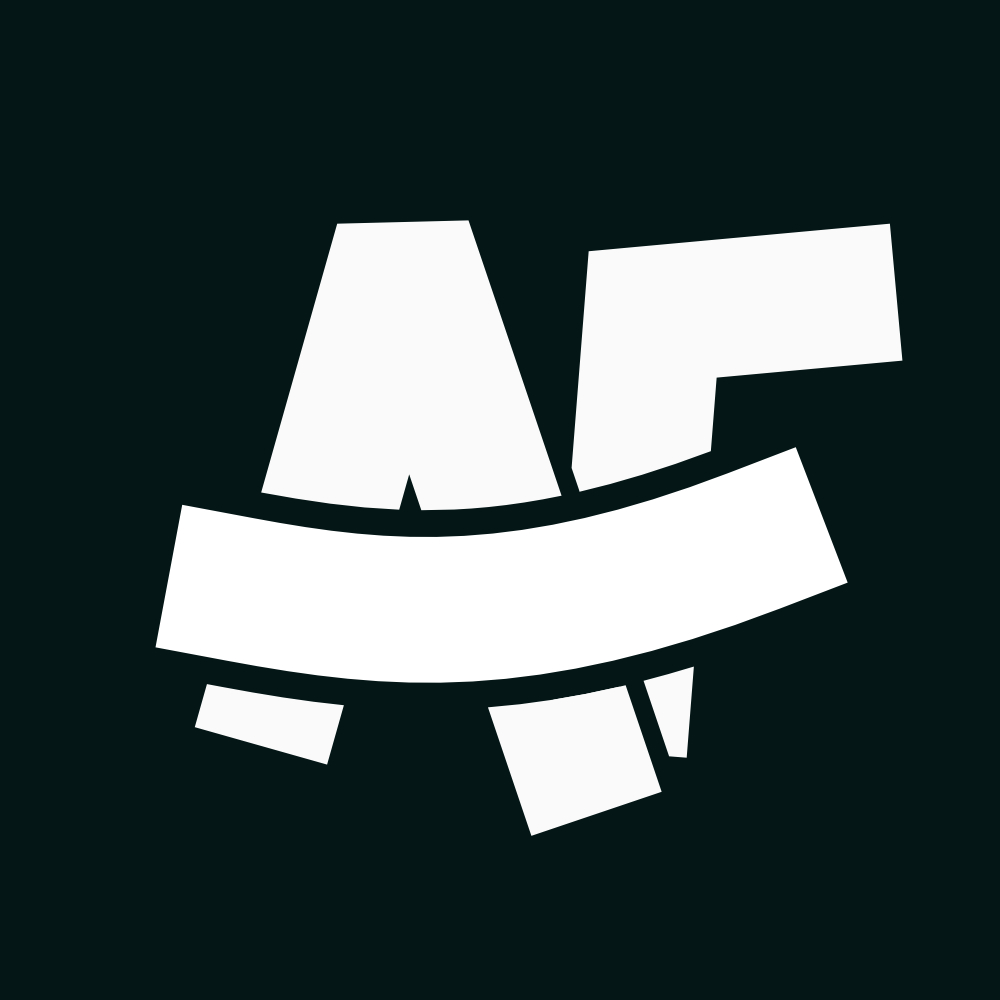
However, something more sinister began to form in the shape that only became apparent when I created the white-only [FORESHADOWING] version of the logo.
Oh no… surely not…
When those strokes are all the same colour, it highlights that when A & F are combined, they look similar to an N & F combined.
Not exactly the combination of letters that I want to be associated with.
For the (fortunately) uninitiated, NF stands for National Front, a group of individuals who would definitely not be particularly fond of me, primarily due to the colour of my skin.
As soon as I’d rendered the all-white version of the logo, I realised that it looked very similar to the National Front logo, which I won’t display here but it’s a very quick google image search.
Initially, I wasn’t sure if it was just me, so I sent it to a few different friends and they all noticed it pretty quickly too, and I’d already made up my mind to tweak it anyway.
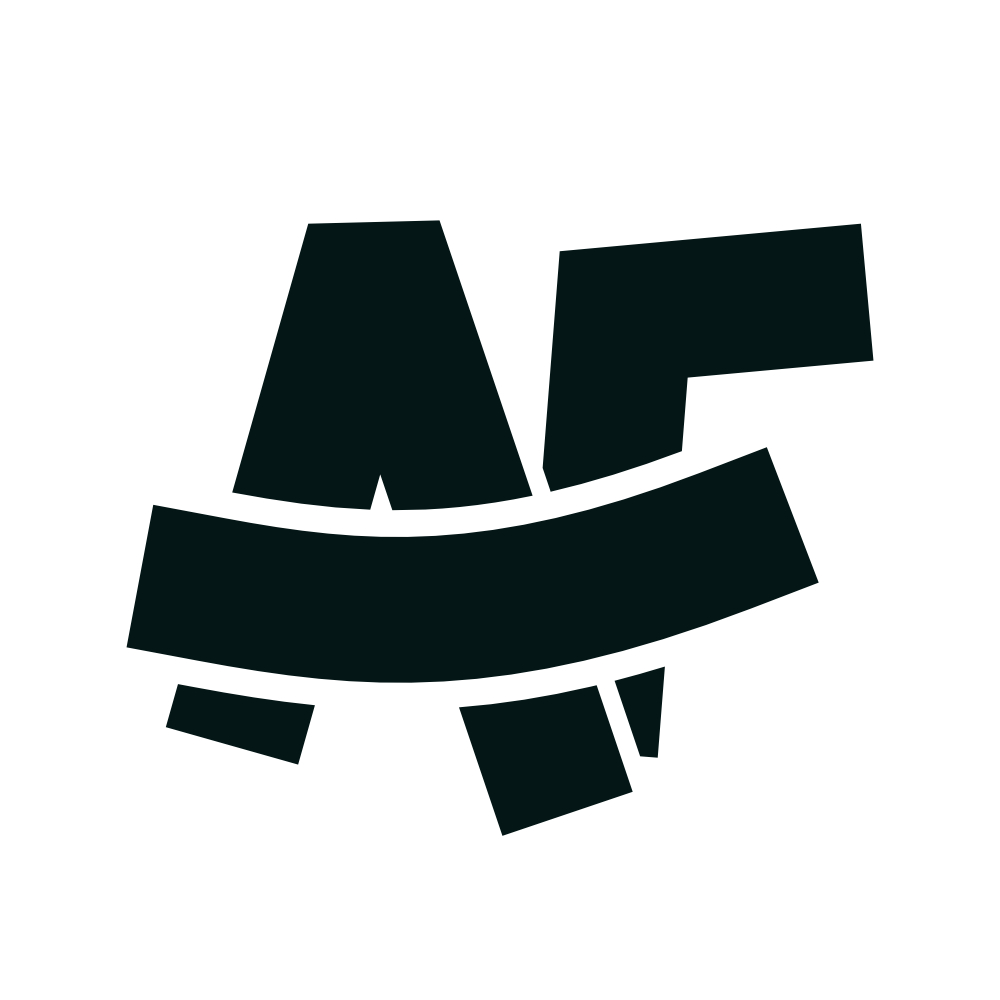
How it looks now…
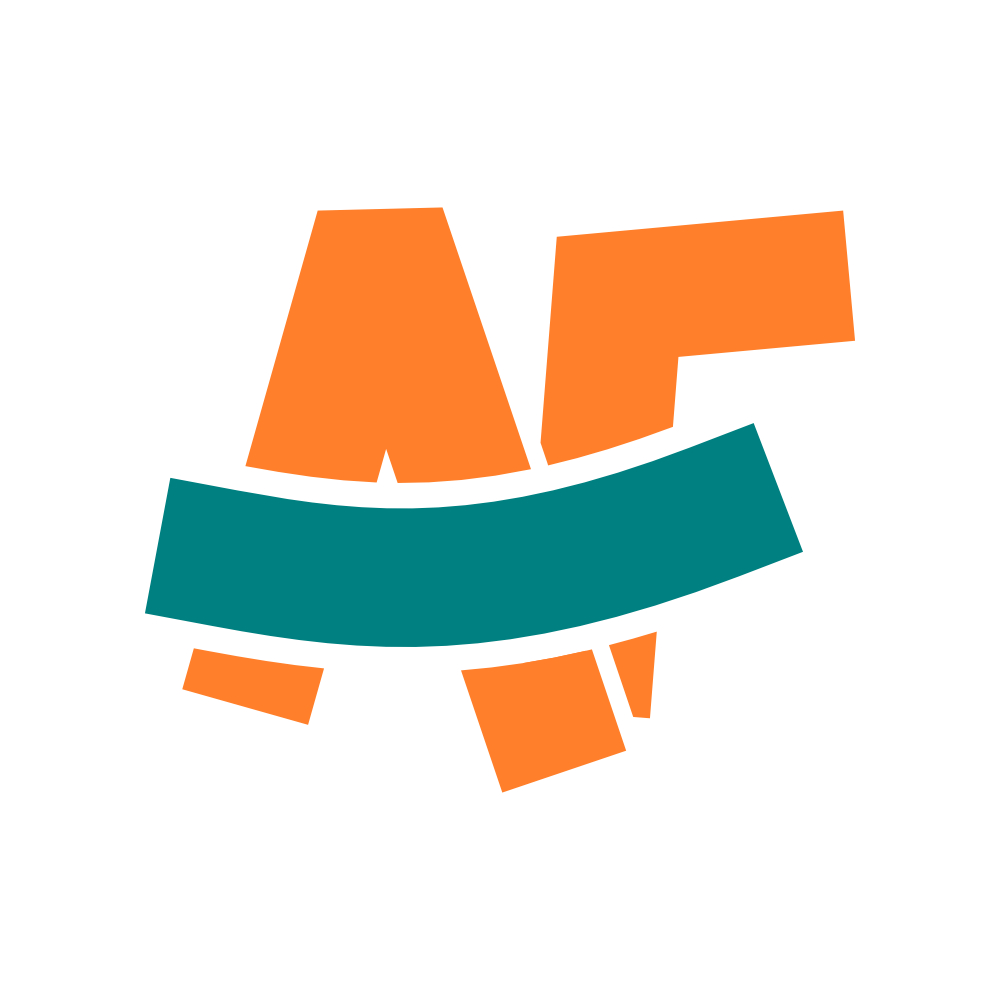
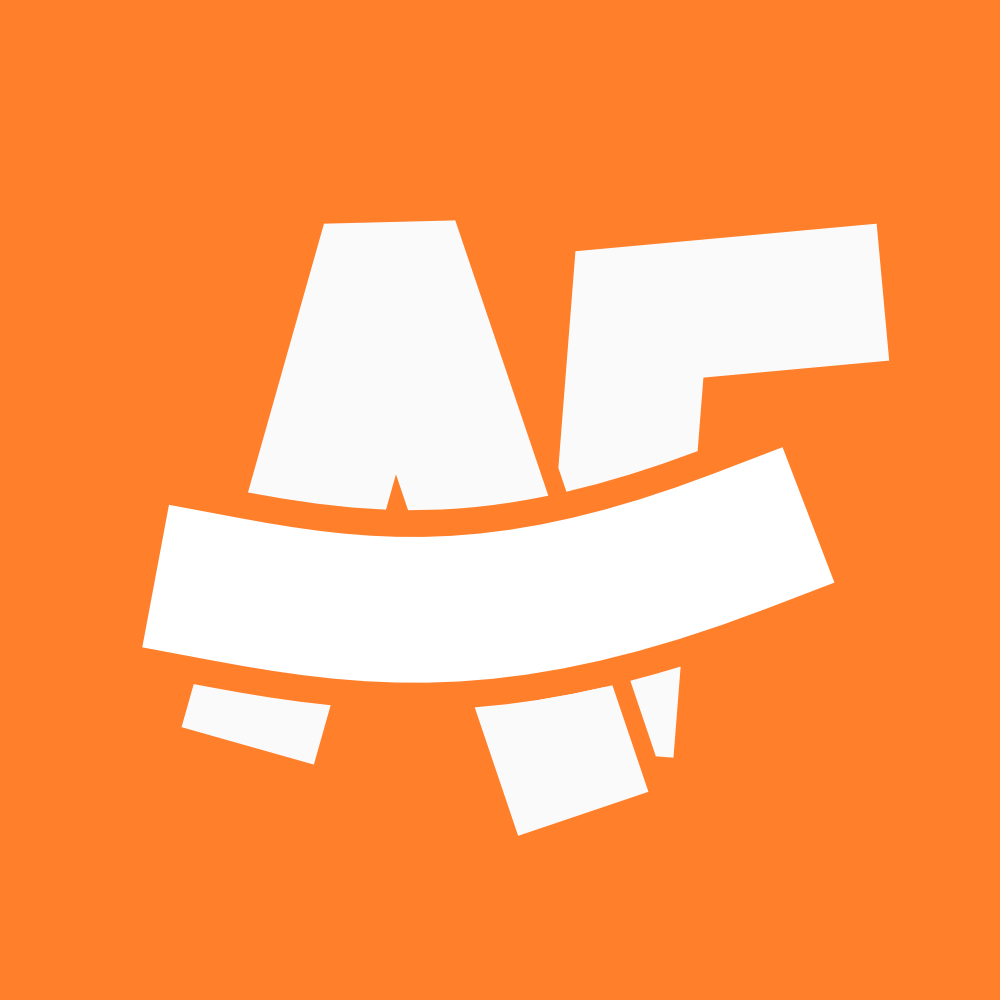
I didn’t want to abandon the idea, and I certainly can’t or won’t abandon my name. So it required some small, but smart design tweaks to get to what we see today.
Separation was a key step in this. Separating the A and F strokes allowed them to become their own letters rather than one continuous stroke, which wasn’t my initial vision for the logo, but still worked really well.
Secondly, a thicker negative stroke on the horizontal “smile” device makes it stand out more across versions and also clarifies the nature of the logo a little more.
A small part of me will never be able to “unsee it”, but it’s clear and different enough for me to be happy carrying this forward as the centrepiece of my brand.
How about you?
Do you need a rebrand and want to make sure it’s done by someone with a paranoid obsession with not making far-right symbolism?
I’m your guy! Fill in the form and I’ll get back to you to get the ball rolling!CTA Form
Why I Stopped Offering Entry-Level Websites
This week I took the step of removing all entry-level pricing from my website and marketing materials, and honestly, it wasn’t a difficult decision. It means that I don’t have to engage certain conversations anymore and it frees me up to do the level of work that I want without setting myself up to compete in a space I don’t desire to be in.
As a freelancer, it’s very rare that you turn down work when the bills need paying. And an easy way to make sure that money doesn’t come in is to price people out of your service. And yet, that’s exactly what I’ve done and it’s the smartest decision I’ve made this year.
I used to offer cheap-as-dirt landing page design and what I called “Basic” sites for a few hundred of the Queen’s finest pounds (I still can’t get comfortable with Charles on the money), but I made the conscious decision not to do that anymore for two simple reasons.
Quality
Deliberately offering a watered-down version of my core product isn’t the way I want to operate. Initially it was to enable me to provide a service for people with a lower budget, but the trade-off of giving out what I would consider a sub-par product wasn’t sitting right with me.
Either I take the hit on being able to deliver something good, or the client gets a poor, rushed website that I can’t take pride in.
For me, that’s unacceptable.
A.I.
AI is drastically lowering the floor for what entry level design looks like (both price-wise and quality-wise) and competing with that is a race to the bottom. A client with a smaller budget is always going to be stuck between paying a professional or getting something passable for close-to-free by writing a few prompts.
Trying to undercut A.I. is a pointless game and whilst I’d love to help smaller clients out more often, trying to provide value whilst competing in the price range of ChatGPT just isn’t going to happen.
Now, will ChatGPT actually provide them with a usable website? That’s a different story.
Spoiler: The answer is no, because once it spits the files out, you’re on your own.
So what now?
I still offer bespoke and eCommerce sites at a price that allows me to deliver a quality end product without compromising my standards. Your website is far too important to settle for “passable”. Take a look at my Web Design Services to see the starting prices or take a look at the Portfolio to see what work I’ve done before.
Need a bespoke website?
Let’s get started on your brand new bespoke website today. Custom functionality and no compromise on quality. Fill the form in and let’s get started today!
CTA Form
Take a break, champ.
It’s actually insane how much more work I do as a freelancer compared to being an employee.
I’ve worked for some of the busiest companies and agencies in the country, but there’s nothing like working for yourself when it’s time to build unhealthy working habits.
It’s really easy to accidentally find myself working too many hours, not eating enough food, I don’t think I’ve drank enough water a single time since I started working for myself; you get the picture.
In my line of work, this obviously isn’t sustainable and I’ve found that I need to be just as organised about resting as I am about working, learning and filing invoices.
Managing my working hours and taking longer breaks both during and between work has actually allowed me to get back to my best both creatively and technically.
I’m actually really enjoying my work at the moment; I’m active and out of portfolio mode, but I’m also doing work that I enjoy and believe in, which is very much the utopia for a creative freelancer. The hope now is that I can scale and also still maintain a healthy work-life balance (we’ll come back to this I’m sure) over the next year.
As well as all of my business and professional goals, if I can successfully avoid burnout for the second half of the year, and continue to create great work, I’ll be VERY happy.
How to develop a brand the right way!
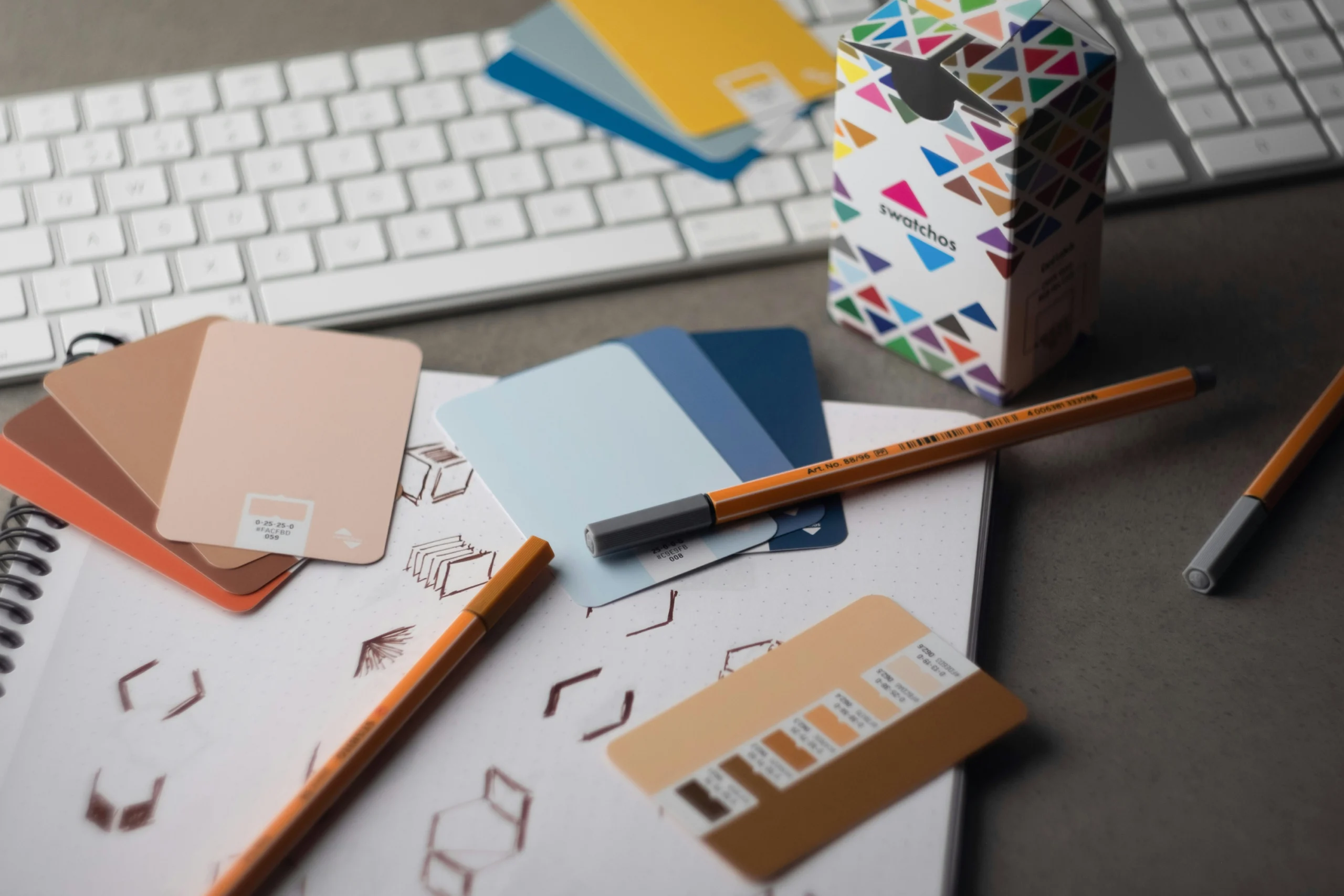
Branding is one of the most important things you can do for your business. And whether you’re doing branding for yourself or if you’re a graphic designer creating branding for a client, there are some important steps that you need to consider before you even pick up a pencil and make that first logo sketch.
I’m Ash Francis; I’ve been working in web and online marketing for over 15 years and developed several brands along the way, and here are the things I’ve learned over the years.
- Don’t sketch right away. It can be really tempting to pick up your pencil and start designing logos straight out of the gate, but every time I’ve done this, I’ve found myself pushed down a path where I form the brand around the logo rather than the other way round. Remember, the logo signifies the brand, not the other way around.
- Outline who you are and what you represent early on. What is “it” about? Where does it position itself in the market? How should people feel when they see this or hear it mentioned? That’s what your brand is. Do the cheesy corporate thing and come up with your keywords and buzzwords, maybe a core of 3 to 5, with some satellite words around that if you can. That’s the foundation of your brand and everything needs to be built upon this.
- Colours are important. What are your colours looking like? There’s a lot of information out there on colour theory, colour psychology, contrast and visibility; build a solid colour palette (as well as white and black replacements)
- Establish your type. Getting your font right is important; it’s going to follow the brand everywhere. Makes sure the body font is a legible one so you’re not chopping and changing trying to meet web guidelines for your site. Get it right early and save yourself the headache down the line.
- Now you can draw. Now you’ve got everything in place, you can start designing! Remember when you design your logo, you’re designing for everywhere it can show up, not just on a white background! Remember to design for dark, black and white and even on products and billboards. There are plenty of mockups for that if you need help picturing how it’s going to look.
I’ve created a free document that can help you with your brand design process, linked here, or if you want to hire a professional, contact me and let’s get your brand design underway!
Choosing a Freelance Web Developer
When looking for a web developer for your project, it can be a real minefield. You know what you need, but you need to choose someone to deliver it. How do you go about choosing the right developer? Do you choose a freelance developer or an agency? These tips will help you make an informed decision.
Understand Your Project Needs
It’s important not only to know what you’d like your website to look like, but also what it needs to do for you and your audience. You might already be aware of this, but whether you are or not, your developer of choice should also be able to talk you through this as well. Even if they’re primarily a WordPress developer, they should still be able to talk you through the differences between platforms and technologies for a standard brochure site and understand the pros and cons between WooCommerce and Shopify for your ecommerce project.
Freelance Developer or Agency
Do you choose a freelance developer for your project or go with an agency instead? Now, of course, I’m going to be biased and suggest a freelancer, but there are benefits to both. An agency has the benefit of a large team of employees of all disciplines and the ability to deliver more work more quickly due to resources.
However, a freelance web developer will usually have the same capabilities as the senior developers at any agency, and whilst they may not have as many people on hand as an agency, they’ll also have lower overheads and therefore much lower costs for your project. Any good freelancer will also have a network of professionals that they collaborate with in order to deliver the right cocktail of skills for your project’s needs.
Previous Work
It’s always worth having a look at what work they’ve done before when deciding on a developer for your project. Even if they haven’t worked with your particular business or project type before, their portfolio should have something that shows the standard of their approach, ability to solve problems and deliver solutions in line with your needs.
Delivery Time
The delivery time of your project is important, and it’s important when choosing your web developer that they’re able to deliver your project within the chosen window and that they’re also given enough lead time to deliver that project. A developer should be able to give you a date range for delivering the project as well as explaining factors that may lengthen or shorten the project delivery.
Pricing
The price is always going to be a factor in any business decision, and it’s worth checking to see if your chosen developer can work within your budget. The cheapest option isn’t always the best so it’s always worth asking the right questions to see what you’re getting for your money, and whilst agencies will almost always be more expensive than a freelance developer due to their own costs and offerings, sometimes a cheaper freelancer may still be able to offer you everything you want within the scope of your project, whilst still providing the quality you need.
Need a Freelance Web Developer?
I’m a freelance developer based in Birmingham and ready and willing to take on all kinds of projects in the West Midlands and the UK as a whole. Let’s connect today!
Get in TouchOops! We could not locate your form.
The wrong tool for the job
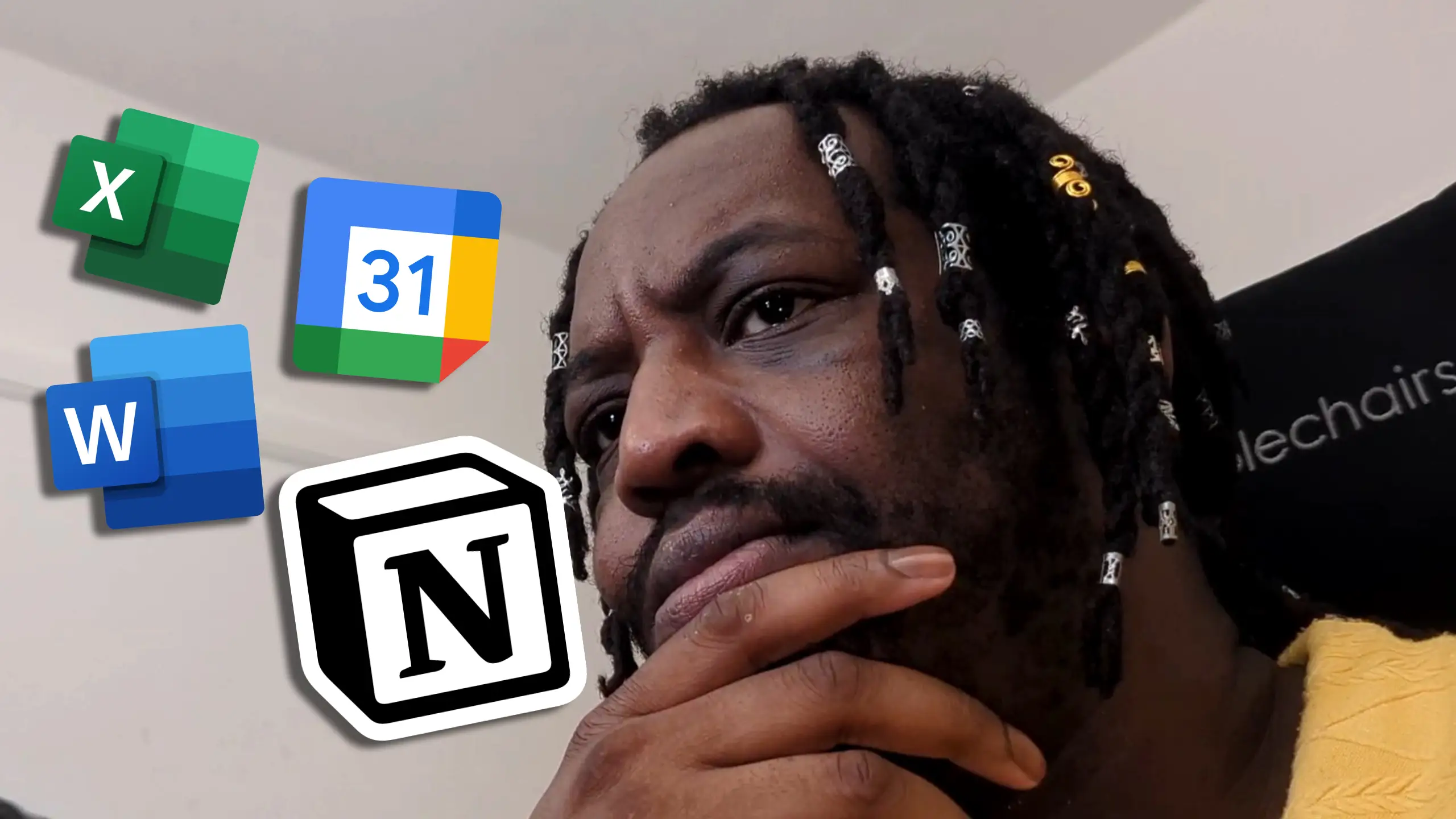
Wasting time is costing you money. It’s time to stop.
Managing your workflow is one of the most important parts of being successful, whether as a freelancer, an employee or business owner.
It sounds simple, but using the right tools for the job will completely streamline your workflow and make your life so much easier. So where are you going wrong?
What’s the Word?
The biggest success of Microsoft Word is that it’s accessible, and most people will have learned to use it at its basic level at some point in the past. The danger with that level of familiarity is that people think it can do pretty much anything – and at a surface level, they’re not wrong. It can create almost any kind of everyday office document you could wish for; but it doesn’t mean they’ll be good.
Here’s the kicker – if it’s not a word document, don’t use word.
This entire article was actually inspired by someone bringing me a rota in a word document and asking me to improve on it. So, we’ll actually dig into this example and the thought process behind streamlining your workflow.
What’s going on here?
The first thing to ask yourself when looking for an internal solution is simply: “What needs to happen?”
Using the rota example, the answer to that is: It needs to display information based on dates and times.
That is quite simply the function of a calendar. Nothing more or less than that. Show the dates, show information regarding those dates (eg. whose shift it is, training dates etc). So why was this done in a word document?
The answer is simple: familiarity. And that’s not anyone’s fault, but that’s the issue at hand.
I’ve seen Word Processors being used to create menus, posters, and even to write code, all because it has rudimentary tools to emulate what you want to deliver. It’s an unfortunate swiss army knife – incredibly useful in a pinch, but just like a swiss army knife, unable to do most things with any real quality.
The same goes with other tools like Excel. It suffers a similar issue to Word – this thing uses numbers or this thing would look good in a grid, I’ll use Excel for it. And again, you’ll get some joy at a basic level, but the truth of the matter is, there’s a better tool for it.
I’ve been guilty of it in the past, particularly using Excel for things it didn’t necessary need to be used for because of how well it handles data, despite not actually being a database tool (now, granted, most people have no business being anywhere near an actual database) but as someone who knows better, I should definitely encourage and empower people to do better where I can.
Now, for my workflow, I use Notion (this isn’t sponsored or affiliated in any way, I just find it to be insanely useful) because I can utilise the same information in the way it needs to show up. But it doesn’t even have to be a premium tool to get you there. Most workspaces will have the tool you need for a workflow solution.
Lets get back the the rota example. I was sat in my office about to start building out something in excel and then it came to me. I read the brief again and asked the client – you all use Outlook, right?
“Yes, why?”
“Outlook has a calendar, and everything you want can be done on that calendar.”
I could have sold them on a specially custom built excel spreadsheet option with auto formatting and all these bells and whistles, but why do that when I can actually empower them to have the right solution that’ll serve them better in the long run.
That’s what comes with being able to identify the solution rather than focusing on the issue.
Utilising the right tools at your disposal will make things so much easier than you think. And it doesn’t have to cost you anything.
What Should I Use?
Over the years I’ve build up a fair bit of experience advising people on the best digital solutions for different issues.
| Necessity | Common Tool | Correct Tool |
|---|---|---|
| Rota/Schedule | Excel/Word | Calendar App (Outlook/Google) |
| Password/Login list | Excel/Word/Notepad | Password Manager (LastPass) |
| Task Tracking/Project Management | Excel | Notion/monday |
A specific Calendar Tool like Google Calendar is designed to handle date/time data, events and chronology. Excel and word can generate tables, and excel specifically can handle process numerical data, but isn’t designed to create events within dates in a way that makes sense in human-computer interface.
A password manager, like LastPass, for example allows for seamless password syncing across accounts and devices, as well as improving security.
Task Tracking tools like Notion and monday have interfaces that are specifically geared towards managing tasks, assigning them to users, handling progress, time tracking and more. Excel doesn’t have this built in, and whilst you can create a semi-decent copy, it’s not anything close to the real deal.
Need help streamlining your processes?
Efficiency shouldn’t be expensive, and I specialise in finding the right tools for the job, saving you time and money in the process. Feel free to get in touch and let’s work on your solution.
Get in TouchOops! We could not locate your form.
How do you create with a purpose?
I’m currently developing a piece of web technology that will hopefully save the lives of abuse victims using the internet. Whilst I can’t talk about it in-depth, for obvious reasons, the process has brought up a lot of philosophical questions and thoughts about the ethics of the technology we build, the data we have access to and who we serve when we build these tools.
Technology, by its very nature, is created in order to make things easier for us. From the earliest invention of the wheel to the space we find ourselves in with generative AI, the initial question we find ourselves asking is “How do I make this easier?”, but how often do we look and ask “How do we make things better?”?
It’s the word “better” that contains the root of the issue here. Are we simply making things “better” in terms of efficiency? Less time and effort, less man-hours therefore less cost. Is this where we aim when we shoot for better? Or do we seek an improvement in the human experience? I’ve written previously about how we can approach web and digital development in a way that includes disabled users, rather than factoring them in as an afterthought and this is further along that train of consciousness.
Can we create technology that seeks PRIMARILY to improve the human experience, literally change and perhaps even SAVE LIVES? Technology, even in its most basic form, has the ability and potential to do exactly that. And when we pour ourselves into that, and by extension, pour ourselves into the greater good, we can advance our fields, and push innovation, whilst all those commercial benefits that we all need in the world we live in are still there to be attained.
Technology doesn’t mean putting people on the backburner. It’s about bringing them to the forefront.